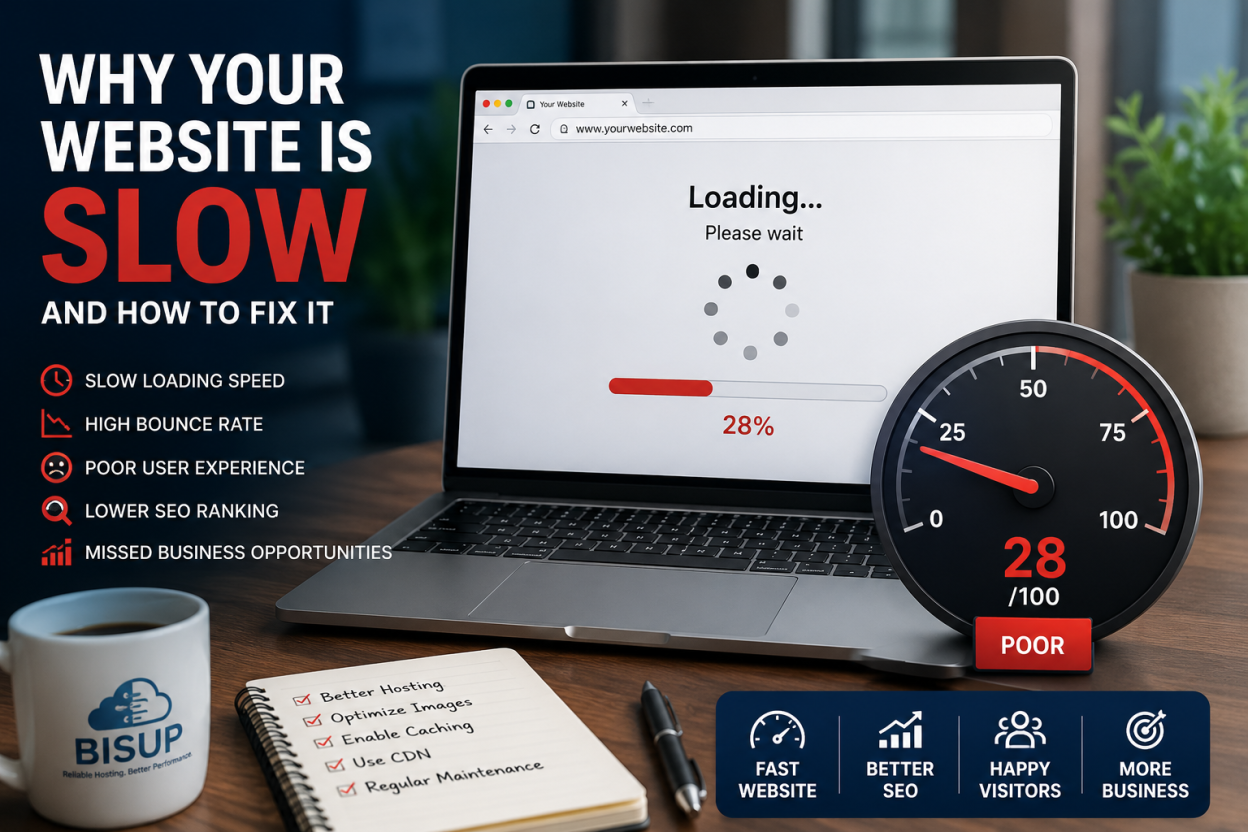
If your website is slow, you are not just losing patience, you are losing money and rankings. In 2026, speed stopped being a technical nicety and became a direct revenue lever. Google now measures real user experience through three metrics, and it has tightened the rules again this year. The frustrating part? Most speed advice tells you to compress a few images and move on. That advice is incomplete, because the biggest cause of a slow website usually sits one layer deeper, in your hosting.
This guide breaks down why your website is slow, using current 2026 data, and separates the surface fixes from the structural ones. By the end, you will know exactly what is dragging your site down and how to fix it for good.
The Real Cost of a Slow Website in 2026
Before the fixes, understand the stakes, because they are bigger than they look. Speed maps directly to money. Research shows a one-second delay in load time can cut conversions by around 7 percent. On an ecommerce store generating 100,000 dollars per month, that single second represents roughly 84,000 dollars in lost revenue every year.That is the price of one wasted second, repeated across every visit.
Bounce rates tell the same story. Pages that load in under two seconds show a bounce rate near 9 percent, while pages that take longer than five seconds see that figure explode toward 38 percent. For every additional second past the recommended threshold, bounce probability climbs sharply. Mobile makes it worse: more than half of mobile visitors abandon a site that takes longer than three seconds to load, and mobile now drives roughly 58 percent of global web traffic.
So a slow website does not just annoy people. It quietly shrinks your traffic, your conversions, and your search visibility at the same time. That is why treating speed as a core business metric, not an afterthought, is the right move in 2026.
How Google Measures a Slow Website: Core Web Vitals in 2026
Google does not guess whether your site feels slow. It measures real visits through the Chrome User Experience Report and grades them with three metrics called Core Web Vitals. In 2026, these metrics carry more ranking weight than ever, and the thresholds have tightened.
| Metric | What it measures | Good in 2026 |
| LCP (Largest Contentful Paint) | How fast your main content appears | Under 2.5 seconds, with Google nudging toward 2.0s |
| INP (Interaction to Next Paint) | How fast the page responds to every click and tap | Under 200 milliseconds |
| CLS (Cumulative Layout Shift) | How visually stable the page is while loading | Under 0.1 |
Two 2026 changes matter most. First, following the March 2026 core update, Google made INP a primary ranking signal rather than a supplementary one, and it moved to tighten the LCP bar. Second, these are field metrics measured at the 75th percentile of real users, so your best-case test on fast office wifi is irrelevant. What counts is how your site performs for the majority of real visitors on mid-range phones and average connections.
The scale of the problem is striking. Only around 47 percent of sites currently pass all three thresholds, which means most of the web is officially slow by Google’s own definition. If your competitors are in that failing majority, fixing speed is not just defensive, it is a genuine opportunity to overtake them.
Why INP Is the Hardest Metric to Fix
Among the three, INP trips up the most sites. Roughly 43 percent of sites still fail the 200 millisecond INP threshold, making it the most commonly failed Core Web Vital in 2026. The reason is architectural. You can fix a poor LCP by compressing an image or enabling a cache, but INP is driven by heavy JavaScript running on the main thread. Bloated page builders, unused scripts, and third-party widgets like chatbots and tag managers block the browser from responding quickly. Fixing INP means rethinking how your code handles user events, not just shrinking a file.
The Seven Real Reasons Your Website Is Slow
Now to the diagnosis. These are the genuine causes of a slow website in 2026, ordered from most to least common. Work through them in order, because the first few deliver the biggest gains.
1. Slow Server Response Time (TTFB)
Time to First Byte measures how long your server takes to send the first byte of data after a browser asks for a page. It is the foundation of every other speed metric, because nothing else can happen until that first byte arrives. Google recommends a TTFB under 800 milliseconds, but top-performing sites hit under 200 milliseconds. The usual culprit is overloaded shared hosting, where hundreds of sites compete for the same server. When a neighbor’s site spikes, your TTFB can swing from 150 milliseconds to over 1,500 milliseconds, and that inconsistency alone can fail your Core Web Vitals at the 75th percentile.
2. Unoptimized Images
Heavy images remain one of the biggest sources of slow pages. A single uncompressed hero image of several megabytes can wreck your LCP on its own. The fix is well established: serve images in modern formats like WebP or AVIF, which load 25 to 35 percent faster than heavy JPEG or PNG files, compress without visible quality loss, and lazy-load anything below the fold. Optimizing images this way can cut total page weight by 40 to 60 percent. Preloading your largest image also lets the browser fetch it early, improving perceived speed by a further 20 to 35 percent.
3. Render-Blocking JavaScript and CSS
When large CSS bundles and JavaScript files load before your visible content, they block rendering. The HTML may arrive quickly, yet the visitor still stares at a blank screen while scripts execute. The remedy is to inline critical CSS, defer non-critical JavaScript, and remove unused code. Every script you delay is time returned to the user, and it directly improves both LCP and INP.
4. No CDN or the Wrong Server Location
Physical distance creates latency. If your server sits in one country and your visitors are in another, every request makes a slow round trip. A Content Delivery Network solves this by caching your content on edge servers close to users, cutting round-trip latency from 100 to 200 milliseconds down to 5 to 30 milliseconds for most global visitors. A CDN can reduce latency by up to 60 percent. This is why serving your audience from infrastructure near them, or through an edge network, is not a luxury but a core speed requirement.
5. Too Many Plugins and Third-Party Scripts
This one hits WordPress sites hardest, and WordPress powers over 43 percent of the web. Every active plugin adds overhead, and every third-party tag, analytics script, ad pixel, and chat widget adds latency before the page becomes usable. Feature-heavy themes and page builders quietly degrade speed over time. The average WordPress site loads in about 2.5 seconds on desktop but roughly 13 seconds on mobile, and plugin bloat is a major reason. Audit ruthlessly and question whether every tool is earning its load-time cost.
6. No Caching
Without caching, your server rebuilds each page from scratch on every visit, which is slow and wasteful. Server-level caching changes the math. On hosts running LiteSpeed, the LiteSpeed Cache plugin can deliver cached pages with a TTFB in the 15 to 50 millisecond range, because it caches at the web server level rather than generating static files through PHP. Caching alone can improve loading speed by 20 to 50 percent and make repeat visits roughly twice as fast.
7. Cheap or Oversold Hosting
This is the cause that underpins several of the others. Poor hosting accounts for an estimated 37 percent of slow-loading issues, and cheap shared plans can add one to three seconds to your load time. Budget hosting means shared CPU, no guaranteed resources, older PHP versions, and data centers far from your audience. Upgrading to a quality VPS or cloud plan with NVMe storage can cut load time by around 50 percent. Better hosting can take server response from over two seconds down to under 200 milliseconds.
The Fix Most Guides Skip: Your Host Is Often the Bottleneck
Here is the honest truth that surface-level speed guides avoid. You can compress every image and defer every script, but if your TTFB is consistently over one second, no amount of front-end optimization will fully compensate. The server has to respond faster, full stop. Hosting quality compounds across your entire site: a server delivering 150 milliseconds instead of 500 milliseconds hands you that advantage on every page, for every visitor, on every Core Web Vitals measurement.

The chain from click to visible content runs through DNS resolution, connection setup, the TLS handshake, and server processing, all before the browser renders anything. Your host controls the first several links in that chain. That is why the gap between a three-dollar shared plan and quality managed hosting has outsized impact: the monthly cost difference is small, but the speed advantage repeats on every single request.
This is where infrastructure matters more than plugins. Bisup runs on its own network, AS208462, announced over enterprise cloud compute, with NVMe storage, LiteSpeed servers, and edge caching that serves visitors from locations close to them. That combination attacks the two hardest speed problems at their root: server response time and geographic latency. You can read the full technical picture on our network infrastructure page.
| Tired of fighting your host for speed? Bisup web hosting ships with NVMe, LiteSpeed and free migration, so a faster server is one move away. For heavier sites, our VPS hosting and managed WordPress plans give you guaranteed resources and a TTFB built for Core Web Vitals. |
Your 2026 Website Speed Checklist
Work through these in order of impact. The first three usually deliver the largest gains.
- Measure first. Run your key pages through PageSpeed Insights and read the Core Web Vitals field data. Fix what the data flags, not what you assume.
- Check your TTFB. If it regularly exceeds one second, your hosting is the bottleneck. Upgrade the server before touching anything else.
- Add a CDN and edge caching. This alone can pull cached TTFB under 100 milliseconds for global visitors, often at little or no cost.
- Enable server-level caching. On LiteSpeed hosts, LiteSpeed Cache is the single highest-impact free change for WordPress.
- Serve modern image formats. Convert to WebP or AVIF, compress, lazy-load, and preload your hero image.
- Update PHP and enable OPcache. Modern PHP is far faster than older versions on the same hardware.
- Cut render-blocking resources. Inline critical CSS, defer non-critical JavaScript, remove unused code.
- Audit plugins and third-party scripts. Remove anything that does not earn its load-time cost. This is your main lever for INP.
- Re-test and monitor. Field data updates over roughly 28 days, so validate each change and watch the trend.
Turn Speed Into Your Advantage
A slow website is a fixable problem, and in 2026 fixing it pays twice: better rankings and higher conversions from the same traffic. Start by measuring, fix the server foundation first, then clean up the front end. Most sites are slow, which means a fast one stands out. If your current host keeps you stuck, moving to infrastructure built for speed is the fastest way forward. Explore Bisup web hosting with free migration, and let your next page load be the one that keeps the visitor.
Frequently Asked Questions
A sudden slowdown usually points to your hosting or a recent change. Common triggers include a traffic spike on your shared server, a newly installed plugin or script, an unoptimized image added to a key page, or your host throttling resources. Check your TTFB first, then review what changed most recently.
Aim for your main content to appear in under 2.5 seconds, with Google nudging toward 2.0 seconds. Server response time (TTFB) should stay under 800 milliseconds, and ideally under 200 milliseconds for cached pages. Interactions should respond within 200 milliseconds, and layout shift should stay below 0.1.
Yes. Core Web Vitals are a confirmed ranking signal, and their weight increased after the March 2026 core update. Speed acts as a tiebreaker between pages of similar quality, and poor scores set a ceiling on how high you can rank. Faster sites also get crawled more often and convert better.
Better hosting fixes the foundation, which is often the biggest single gain, since it controls server response time and can cut load time by around half. But hosting will not compensate for oversized images, plugin bloat, or heavy JavaScript. The best results come from fast hosting plus clean front-end optimization together.
Mobile devices have less processing power and more variable connections, and Google grades mobile performance separately, using it as the primary ranking signal. Heavy JavaScript that a desktop handles easily can overwhelm a mid-range phone. Reducing scripts, serving lighter images, and using a CDN close the gap.