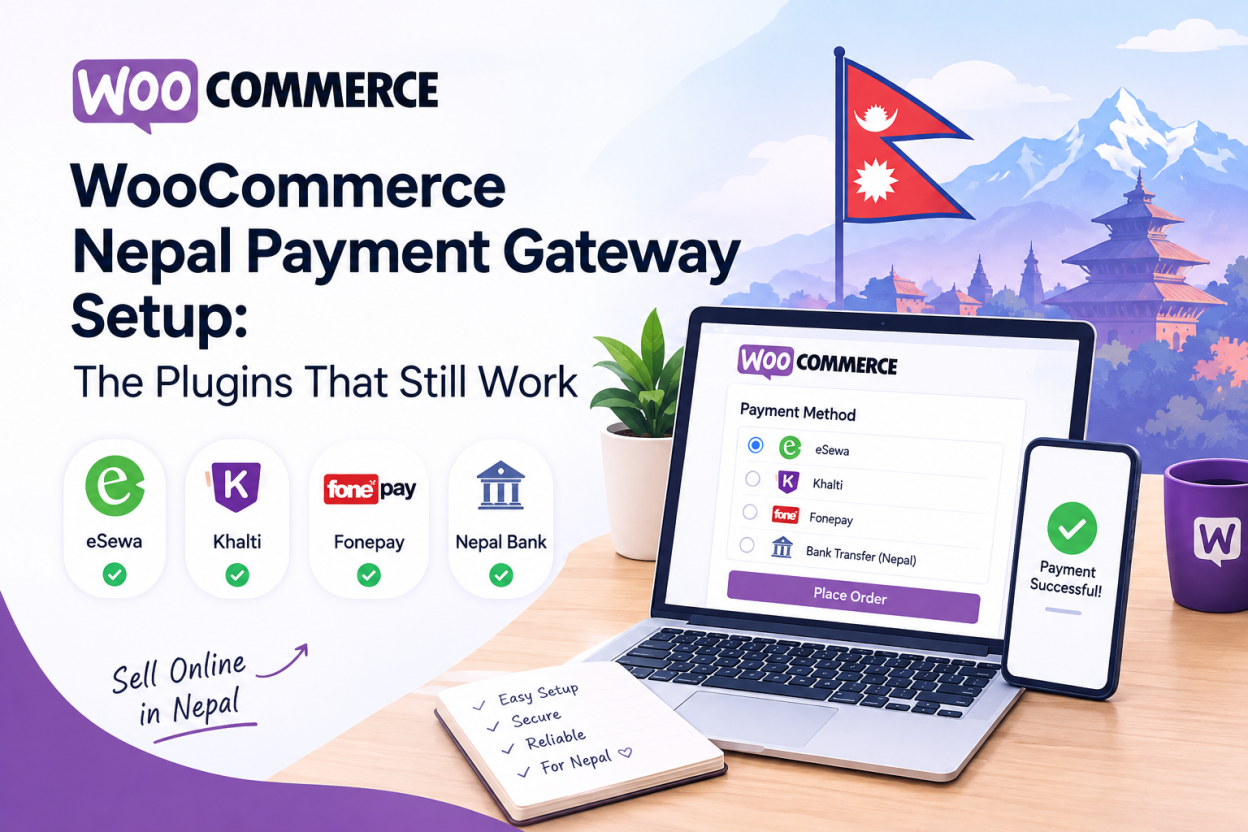
A WooCommerce Nepal payment gateway is added through a plugin that connects your store to eSewa, Khalti or Fonepay. Maintained options exist for Khalti and Fonepay. The most widely recommended eSewa plugin was closed by WordPress.org in September 2025, so older tutorials now point at a plugin you cannot install.
That last sentence is the reason this guide exists. Search for a WooCommerce Nepal payment gateway and you will find blog posts from 2024 confidently linking to a plugin that no longer has a download page. Following them wastes an afternoon.
So let us start with what is actually installable today, then work through configuration, testing and the two failure modes that cost Nepali store owners real money.
Which WooCommerce Nepal payment gateway plugins still work in 2026?
Here is the current state of the repository. Every row was pulled from the WordPress.org plugin API on 5 September 2026.
| Plugin | Status on 5 Sep 2026 | Last updated | Tested up to WP | Active installs |
| WooCommerce eSewa (woocommerce-esewa) | Closed by WordPress.org | 5 Sep 2025 | n/a | Removed |
| Integrate Khalti in WC Store | Open, v1.1.2 | 19 May 2025 | 6.8.8 | About 200 |
| Integrate Fonepay in WooCommerce | Open, v1.2.0 | 6 May 2025 | 6.8.8 | About 200 |
| Nepal PayTime | Open but stale, v1.0.0 | 5 Oct 2021 | 5.8.15 | About 10 |
| PayBridgeNP for WooCommerce | Open, v1.3.0 | 21 Aug 2026 | 7.0.4 | About 10 |
Two things stand out. First, the eSewa route through the old plugin is closed. Second, the maintained Khalti and Fonepay plugins each carry only around 200 active installations, which is small. A plugin with a modest install base receives fewer bug reports, so test it properly rather than assuming someone else already found the edge cases.
Why did the most recommended eSewa plugin disappear?
WordPress.org closed the WooCommerce eSewa plugin on 5 September 2025. The stated reason was a licensing and trademark violation, not a security flaw.
That distinction matters. A security closure means existing installs are dangerous. A trademark closure means the listing was pulled over naming and rights, so an existing install keeps functioning while receiving no updates. Either way, you cannot install it fresh from the repository, and it will not receive compatibility fixes.
If you already run it, you are on borrowed time rather than in immediate danger. Plan a migration to a maintained option at your next site update, and do not build a new store on it.
For eSewa specifically, your realistic choices today are a direct custom integration against the eSewa ePay API, or an aggregator plugin that bundles eSewa alongside other wallets.
What breaks when a plugin predates HPOS and Blocks checkout?
This is the part most Nepali guides skip entirely, and it is where stores actually break in 2026.
WooCommerce introduced High-Performance Order Storage, which moves orders out of the WordPress posts table into dedicated tables. It also introduced a block-based checkout that replaced the old shortcode checkout. A payment plugin written before either change may not declare compatibility with them.
The symptoms are specific and easy to misdiagnose:
- The payment method does not appear at checkout at all, because the plugin never registered itself with the Blocks checkout.
- Orders are created but never update to processing, because the plugin writes to the legacy order storage while your store reads from HPOS.
- WooCommerce shows an incompatibility warning and silently disables HPOS to protect the plugin, quietly costing you the performance benefit.
Before installing anything, check the plugin listing for an explicit HPOS statement and Blocks checkout support. The PayBridgeNP listing declares both. The older single-wallet plugins generally do not.
If your chosen plugin is not Blocks compatible and you need it, you can revert to the classic shortcode checkout as a temporary measure. Treat that as a stopgap, not a plan.
How do you install and configure a Khalti gateway in WooCommerce?
The flow below assumes WooCommerce is already installed and your merchant application is underway. Khalti issues test credentials before full approval, so you can build now and switch keys later.
- In your WordPress dashboard, go to Plugins, then Add New, and search for the Khalti WooCommerce plugin. Install and activate it.
- Open WooCommerce, then Settings, then the Payments tab. The Khalti method now appears in the list. Enable it.
- Click into the Khalti settings and paste your test secret key and test public key. Both come from the Keys section of your Khalti merchant dashboard.
- Save changes, then place a real test order and complete it with a funded Khalti test wallet.
- Confirm the order moves to processing, not just paid. Processing is the correct status for a physical product after payment.
- Replace the test keys with live keys only after approval, and repeat the test order once on production.
One point that confuses first-time store owners. An order sitting at processing rather than completed is correct behaviour, not a bug. A payment gateway should move an order to processing on confirmed payment. Only fulfilment moves it to completed. If you sell downloadable products and want access released at payment, enable the setting that grants download access after payment in the WooCommerce Products settings.
How do you test a Nepali payment gateway before going live?
Testing a Nepali gateway locally has one wrinkle that catches every developer once. The gateway redirects the customer back to your success URL, which means that URL has to be reachable from the public internet. Localhost is not.
Use a tunnelling tool such as ngrok to expose your development site, and point the plugin at that address while you test. Budget an afternoon the first time.
Then run these checks before you take real money:
- Complete a successful payment and confirm the order reaches processing.
- Abandon a payment midway and confirm the order stays pending rather than silently completing.
- Attempt to load the success URL directly in a browser without paying. If that marks an order paid, your integration trusts the redirect and must be fixed.
- Place an order with a different currency or country selected and confirm the Nepali method hides correctly.
That third check is the important one. A gateway plugin should verify the transaction server-side against the provider before marking an order paid. The full verification pattern is covered in our guide to accepting online payments in Nepal.
What must your hosting handle for a WooCommerce checkout?
A gateway plugin is only as reliable as the server receiving the callback. Three requirements are not optional.
You need a valid SSL certificate, because gateways will not post callbacks to an unencrypted endpoint. You need the callback URL exempt from page caching, since a cached callback response produces phantom failed orders. And you need PHP and WooCommerce versions current enough for the plugin, which the table above lists per plugin.
WooCommerce is also heavier than a brochure site. Cart and checkout pages cannot be cached the way a blog post can, so they hit PHP and the database on every request. Underpowered shared hosting shows this as a slow checkout precisely when the customer is deciding whether to trust you.
For stores, WordPress hosting in Nepal with local billing keeps your own vendor payments in rupees and puts the server closer to your customers. If you are moving an existing store, our guide to migrating to a Nepali host covers re-testing payment callbacks after the nameserver switch, which is the step people forget.
Where does an aggregator beat a direct plugin?
Honest assessment, because the answer is not always the one that suits us.
If you need eSewa, Khalti and Fonepay together, three separate plugins means three verification models, three dashboards and three things that break independently. An aggregator plugin collapses that into one integration, and the maintained ones now declare HPOS and Blocks compatibility that the older single-wallet plugins lack.
The trade-off is a dependency on a third party sitting between you and your money, plus their fee on top of your merchant agreement. For a single-wallet store, a direct plugin is simpler and cheaper. For a store that genuinely needs all three rails, the aggregator usually wins on maintenance alone.
Bisup does not sell payment aggregation. We host the store. Choose the payment path on its merits.
Frequently Asked Question
Not in the WordPress.org repository. The widely recommended WooCommerce eSewa plugin was closed on 5 September 2025 over a licensing and trademark violation. Your options now are a direct integration against the eSewa ePay API or an aggregator plugin that includes eSewa.
An existing installation keeps working, because this closure was about licensing rather than a security flaw. However, it receives no updates and cannot be installed fresh. Migrate to a maintained option at your next site update, and never start a new store on it.
Khalti, clearly, at the moment. It has a maintained repository plugin and issues test credentials before merchant approval, so development can start immediately. eSewa currently has no maintained repository plugin and its sandbox credentials must be requested from support.
To withdraw money, yes in practice. You can integrate and test without complete documents, but wallet providers will not release funds to a bank account without company registration, a PAN or VAT certificate and tax clearance.
Using a maintained plugin, the software cost is zero and the work is a few hours. A custom integration, which eSewa now effectively requires, sits within the wider range of NPR 50,000 to 150,000 that Nepali agencies quote for full gateway setup including merchant account work and testing.