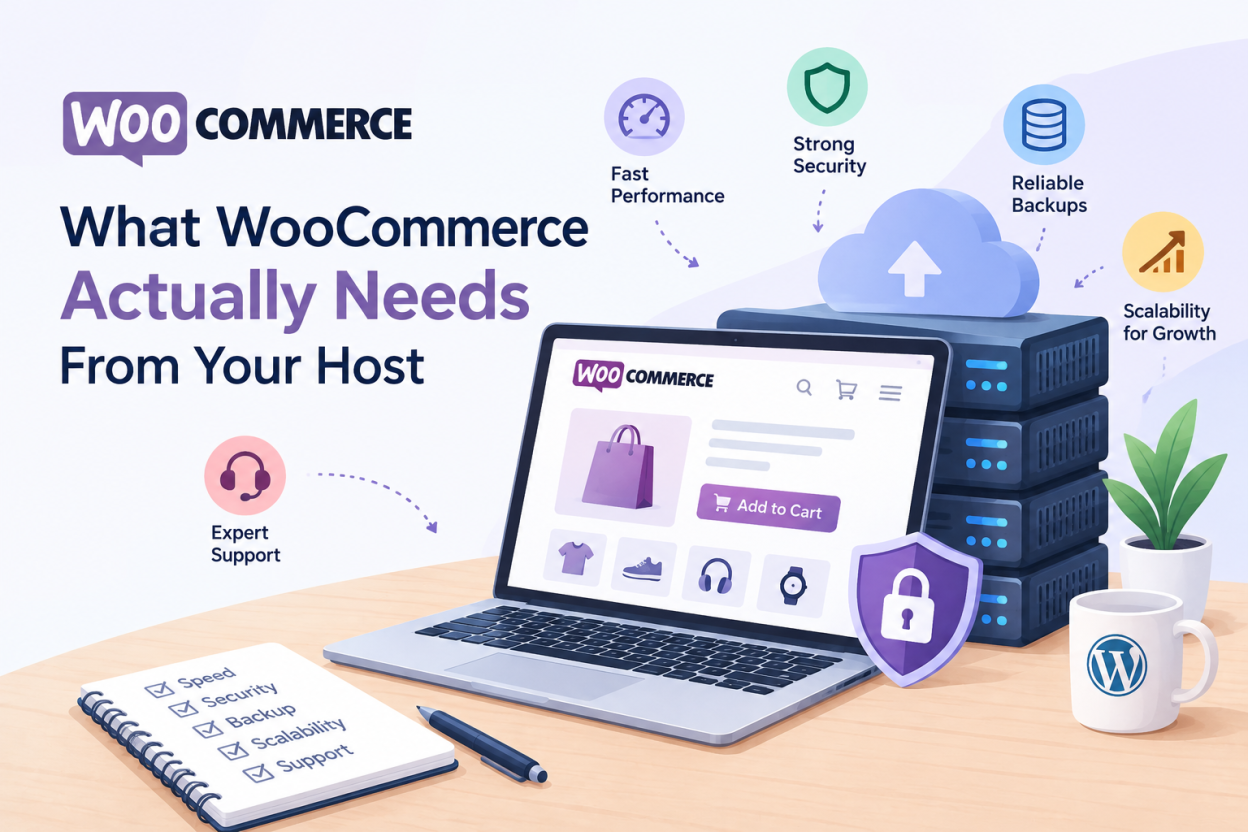
Quick answer: WooCommerce needs more from a host than a normal WordPress site because cart, checkout and account pages cannot be cached. That means more PHP processing, more database queries and more memory per visitor. A store needs a current PHP version, a well-tuned MySQL or MariaDB database, generous memory limits and reliable background task processing.
Many store owners are surprised the first time their shop slows down. The same hosting plan ran their WordPress blog perfectly. Nothing obvious changed, yet checkout now crawls during busy hours.
The reason is simple. WooCommerce hosting requirements differ from standard WordPress in ways that basic plans are not built for. This guide explains what those differences are and how to size hosting for a real store.
Why WooCommerce Breaks Where WordPress Runs Fine
A typical WordPress blog serves the same page to everyone. A caching layer stores that page once and hands it out thousands of times. The server barely works.
A store cannot do that for its most important pages. Every shopper has a different cart. Checkout shows personal details and live totals. The account page shows private order history.
These pages must be built fresh for each visitor. Each one runs PHP and queries the database. A plan that handled 10,000 cached blog views may struggle with far fewer uncached checkout sessions.
This is the core reason stores need different hosting. Traffic numbers alone are misleading. What matters is how many visitors are doing dynamic, uncacheable actions at the same time.
WooCommerce Server Requirements: PHP, Database and Memory
WooCommerce publishes its official server recommendations. Treat these as the floor, not the target. They change over time, so check the current page before choosing a plan.
PHP version
Run a currently supported PHP version. Newer PHP releases are generally faster and receive security patches. Older versions stop receiving fixes, which is a risk for any site that handles payments.
Your host should let you choose the PHP version per site. Test plugin compatibility before upgrading a live store.
MySQL or MariaDB database
WooCommerce is database-heavy. Products, variations, orders, customers and sessions all live in the database. A current MySQL or MariaDB version, with enough resources allocated, makes a noticeable difference.
On shared hosting, the database server is shared too. A busy neighbour can slow your queries. This is one reason growing stores move to VPS hosting.
PHP memory limit
WooCommerce and its extensions use more memory than a basic site. Low memory limits cause blank pages and failed imports. WooCommerce’s own guidance recommends raising the WordPress memory limit well above the default. Confirm your plan allows this.
HTTPS
Every store needs an SSL certificate. Payment gateways require it, and browsers warn shoppers on insecure checkout pages. Most hosts now include free certificates.
Uncached Pages: Cart, Checkout and My Account
Caching still helps a store, but it must be configured correctly. Product and category pages can usually be cached. Cart, checkout and account pages must be excluded.
Most caching plugins and host-level caches detect WooCommerce and exclude these pages automatically. They also bypass the cache for shoppers who have items in their cart, detected through WooCommerce cookies.
Two practical points follow:
- Check that your caching setup actually excludes these pages. A cached checkout can show one customer another customer’s details.
- Expect a share of your traffic to always skip the cache. Size your hosting for that share, not for your total visitors.
WooCommerce also runs an AJAX request known as cart fragments to update the mini cart. On some themes it fires on every page, adding load. Many stores limit it to pages that need it.
Database Load From Orders, Sessions and HPOS
Older WooCommerce stores kept orders in the WordPress posts tables. Those tables were designed for blog posts, not transactions, and grew slow at scale.
WooCommerce introduced High-Performance Order Storage (HPOS), which stores orders in dedicated tables. It is enabled by default for new stores in recent versions. Existing stores can migrate from the WooCommerce settings.
HPOS reduces query load, but a growing store still adds data every day. Sessions, logs and expired transients build up. Regular database cleanup keeps queries fast.
Background Jobs: Action Scheduler and WP-Cron
WooCommerce handles many tasks in the background. Sending emails, processing webhooks, syncing stock and running subscription renewals all go through a queue called Action Scheduler.
By default, WordPress triggers scheduled tasks through WP-Cron, which runs when someone visits the site. On a quiet store, tasks wait. On a busy store, they compete with shoppers for resources.
A better setup uses a real server cron job to run the queue on a fixed schedule. Ask whether your host allows custom cron jobs. It is a small detail that prevents missed renewal payments and delayed order emails.
Sizing WooCommerce Hosting by Store Stage
There is no single correct plan. The right choice depends on catalogue size, extensions and how many shoppers check out at once.
| Store stage | Typical situation | Hosting that usually fits |
| Launch | Small catalogue, few daily orders | Quality shared or WordPress hosting with good resource limits |
| Growing | Steady daily orders, more extensions | Higher-tier WordPress hosting or an entry VPS |
| Established | Frequent concurrent checkouts, campaigns and sales | VPS or dedicated resources with tuned database and caching |
These stages are guides, not rules. A small catalogue with heavy extensions can need more power than a large but simple store. Monitor real usage rather than guessing.
Security and PCI Scope for WooCommerce Stores
Any store taking payments must think about PCI DSS, the card industry security standard. Using a hosted payment gateway reduces how much of that standard applies to you, because card data never touches your server.
Your host still matters. Server patching, account isolation, firewalls and malware scanning all protect the store. Our guide to WordPress security hardening covers the site-level steps. For compliance detail, see our upcoming guide to PCI compliance for small stores.
Signs Your Store Has Outgrown Its Hosting Plan
Watch for these symptoms:
- Checkout slows noticeably during busy hours but not at quiet times.
- Your control panel shows you hitting CPU, memory or process limits.
- Admin pages, order lists and reports load slowly.
- Order emails or subscription renewals arrive late.
- The site returns errors during sales or promotions.
If several apply, the plan is likely the bottleneck. Our guide to signs you have outgrown shared hosting shows how to confirm this before paying for an upgrade.
Caching Layers That Help a WooCommerce Store
Even though key store pages cannot use full page caching, other caching layers still help.
Page caching works well for product, category and content pages. These make up most of the pages shoppers browse before buying.
Object caching, using a tool such as Redis or Memcached, stores the results of repeated database queries in memory. It helps uncached pages like cart and checkout load faster. Ask whether your host supports it.
Browser caching and a CDN speed up images, stylesheets and scripts. Stores usually have many product images, so this makes a clear difference. Our guide on whether you need a CDN explains when it helps.
OPcache stores compiled PHP code in memory. Most modern hosts enable it by default, but it is worth confirming.
Choosing a Host for a WooCommerce Store
When comparing hosts, ask specific questions rather than reading feature lists:
- Which PHP versions are available, and can I switch per site?
- What are the real CPU, memory and process limits on this plan?
- Does the caching setup exclude WooCommerce dynamic pages automatically?
- Can I set a real cron job for background tasks?
- What server-level security runs on the account?
- How easy is the upgrade path to a VPS when the store grows?
Good answers to these matter more than unlimited storage claims. You can compare Bisup web hosting plans against these points.
WooCommerce Hosting FAQ
Yes, for a small store with modest traffic. Choose a plan with generous resource limits. Plan to upgrade once concurrent checkouts rise.
It depends on extensions, catalogue size and traffic. Memory limits that suit a blog are often too low. Monitor real usage in your control panel and size from that.
Checkout cannot be cached, so it relies on raw server speed. Slow checkout usually points to resource limits, a heavy plugin, or database bloat.
Not at launch. Many stores start on shared or WordPress hosting. A VPS makes sense when checkouts compete for resources during busy periods.
High-Performance Order Storage keeps orders in dedicated database tables instead of the posts table. It improves speed and scalability for stores with many orders.