
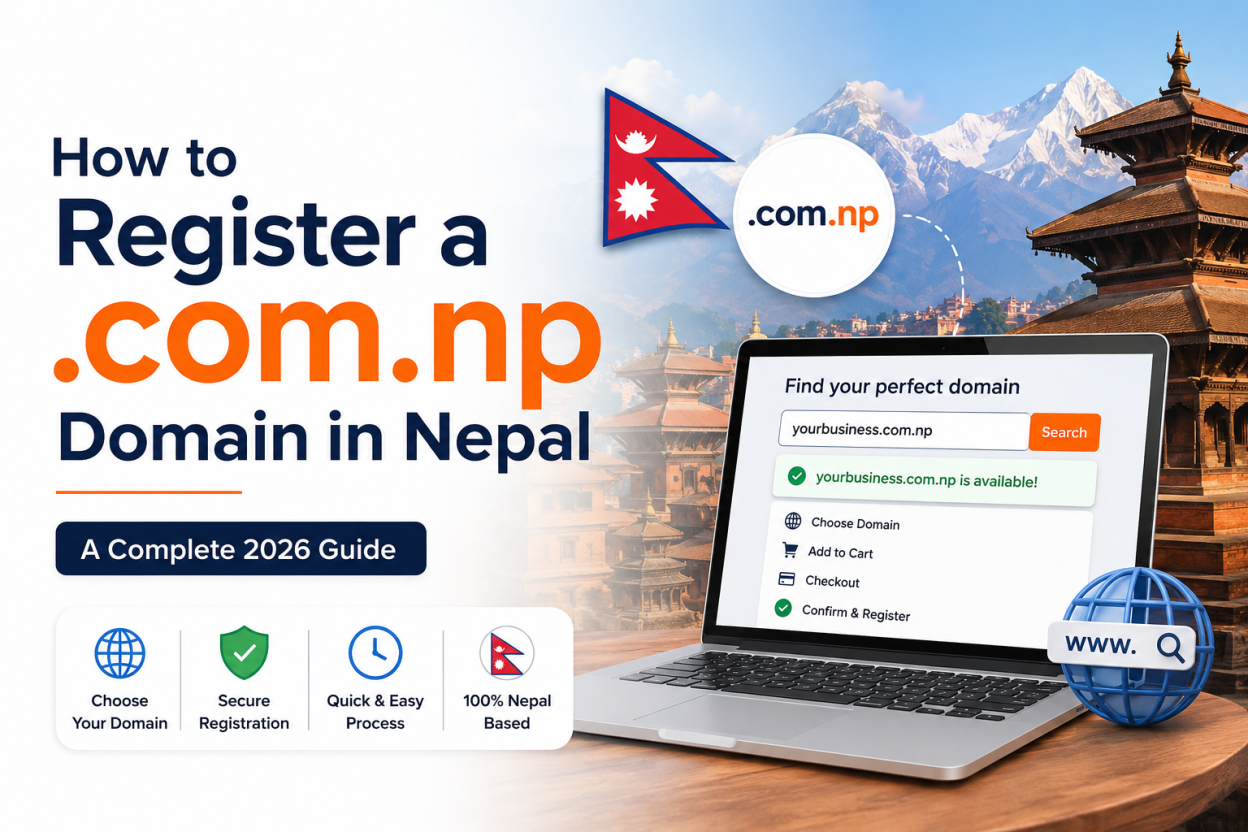
Learning how to register a .com.np domain in Nepal is the first real step toward building a credible online identity for your business, brand, or personal project. Unlike most country-code domains around the world, a .com.np domain is issued free of cost by Mercantile Communications Pvt. Ltd, the official registry authorized under IANA to manage Nepal’s namespace. That single fact makes it one of the most underrated assets available to Nepali entrepreneurs, freelancers, and organizations today. In this guide, you will learn exactly who qualifies, what documents you need, how the application process works from start to finish, and how to avoid the mistakes that get applications rejected.
What Is a .com.np Domain and Why It Matters
A .com.np domain is Nepal’s country-code second-level domain, sitting under the broader .np ccTLD that was introduced back in 1995. It signals, instantly and unmistakably, that a website belongs to a person, company, or institution connected to Nepal. Search engines and users alike tend to trust local extensions more when the audience is regional, because the domain itself acts as a geographic entity marker.
For small businesses in Kathmandu, Pokhara, or Butwal, a .com.np address often builds more local trust than a generic .com, simply because visitors recognize it as distinctly Nepali. Banks, government-adjacent organizations, and NGOs frequently prefer it for exactly this reason.
Who Is Eligible to Register a .com.np Domain
Eligibility rules are strict, and Mercantile enforces them closely to prevent squatting and misuse. Generally, you qualify if you fall into one of these categories:
- Nepali citizens holding a valid citizenship certificate, passport, driving licence, or voter’s card issued by the Government of Nepal
- Registered companies with a valid company registration certificate from the Office of Company Registrar, along with a PAN or VAT certificate
- NGOs and INGOs with proper registration and, where applicable, Social Welfare Council affiliation
- Non-Resident Nepalese (NRN) individuals holding an NRN ID card
- Foreign nationals who operate a legally registered business presence in Nepal, subject to Mercantile’s discretion
One rule trips up more applicants than any other: your domain name must closely match your legal name or your registered business name. A person named Sunita Thapa, for instance, could reasonably apply for sunitathapa.com.np or sthapa.com.np, but not for a completely unrelated brand name unless that name is legally registered to her.
Documents You Need Before You Start
Gathering the right paperwork upfront saves days of back-and-forth with the registry. Keep scanned copies in PDF or JPEG format, and make sure file sizes stay small, ideally under 200 KB, since the portal has upload limits.
For individuals, you typically need:
- A scanned copy of your citizenship certificate, passport, or driving licence
- A short cover letter addressed to Mercantile Communications explaining the domain’s intended use
For businesses and organizations, you typically need:
- Company or organization registration certificate
- PAN or VAT certificate
- An authorization letter if someone other than the owner is managing the application
- A formal cover letter on official letterhead
A well-written cover letter matters more than people expect. It should include your full name or business name, contact details, the exact domain name requested, and a brief, honest description of how the domain will be used. Vague or copy-pasted letters are a common reason for delays.
Step-by-Step Process to Register a .com.np Domain
Once your documents are ready, the actual registration workflow is fairly linear. Here is how it unfolds in practice.
Step 1: Check Domain Availability
Visit the official registry portal and search your desired name in the availability checker. Registration works on a first-come, first-served basis, so a good name can disappear quickly. If your first choice is taken, try small variations, such as adding a middle initial, city name, or industry keyword.
Step 2: Create a User Account
Click “Register Now” or “User Login” to begin. You will be asked to create a user account using your full name, a working email address, and a secure password. This account becomes your permanent dashboard for managing renewals and DNS records later.
Step 3: Fill Out the Domain Request Form
Enter your administrative contact details accurately. This includes your legal name, province, city, and country. For organizations, you will also enter the company name exactly as it appears on your registration certificate. Small mismatches between the form and your documents are a leading cause of rejection.
Step 4: Enter Your Nameservers
If you already have hosting, your provider will have given you two or more nameserver addresses, something like ns1.yourhost.com and ns2.yourhost.com. If you do not yet have hosting, many applicants use free nameservers from providers like Cloudflare temporarily and update them once hosting is finalized.
Step 5: Upload Your Cover Letter and Documents
Select the correct document type from the dropdown, upload your scanned files, and save each entry before moving forward. Double-check that scans are legible. Blurry or cropped documents are rejected almost automatically by reviewers.
Step 6: Submit and Wait for Verification
After submission, you will receive a confirmation email. The registry team typically reviews applications within one to three working days, though processing can stretch to a week during high-demand periods. If anything is unclear, Mercantile will email you with specific correction instructions rather than an outright rejection, giving you a chance to resubmit.
How Long Does Approval Take
Most sources agree that approval lands somewhere between one and seven working days, with the majority of clean applications clearing in one to three days. Delays usually come down to three things: illegible documents, a domain name that does not match the applicant’s legal identity, or an incomplete cover letter. Keeping your paperwork consistent across every field is the single best way to speed things up.
Common Mistakes That Get Applications Rejected
A surprising number of applications fail on the first attempt, and almost all of them share the same handful of causes.
- Name mismatch: The domain name does not resemble the applicant’s legal or registered business name closely enough
- Expired documents: Company registration or PAN certificates that are outdated or unstamped
- Poor scan quality: Documents that are blurry, cropped, or missing pages
- Incomplete cover letters: Missing contact details or a vague purpose statement
- Nameserver errors: Entering incorrect or mistyped nameserver addresses, which causes DNS propagation failures later
Avoiding these five issues alone resolves the vast majority of rejection cases reported by applicants.
Connecting Your Domain to Hosting
Once your .com.np domain is approved, it will not do much on its own. You need to point it to a hosting server through DNS. Most Nepali hosting providers issue two nameservers you enter directly into your Mercantile dashboard. If you plan to run WordPress, a static site, or an email service under your new domain, coordinate the nameserver setup with your hosting provider first, since propagation across the internet can take anywhere from a few hours to 48 hours.
For business email like info@yourbrand.com.np, most hosting panels let you create custom mailboxes once DNS has fully propagated and MX records are correctly configured.
Renewals and Domain Ownership
One of the most attractive parts of the .com.np system is that renewal, where required, is also free. Some registrars note that once approved, the domain generally does not carry recurring fees the way .com or .net domains do, provided the underlying business or identity remains active. That said, expired or inactive domains typically enter a grace period before being released back into the pool, so keeping your contact email current with the registry matters more than people realize. Mercantile sends renewal reminders ahead of expiry, but only if your account details are accurate and up to date.
Frequently Asked Questions
Is registering a .com.np domain really free?
Yes. Mercantile Communications Pvt. Ltd provides .com.np domain registration at no cost to eligible Nepali citizens, businesses, and organizations. You only pay separately if you choose hosting or email services through a third-party provider.
Can foreigners register a .com.np domain?
Foreign nationals can apply only if they operate a legally registered business presence in Nepal or hold an NRN ID card. Approval in these cases is at the discretion of the registry.
How long does approval usually take?
Most applications are reviewed within one to three working days, though it can extend up to a week depending on document clarity and application volume.
What happens if my domain name does not match my legal name?
The application will likely be rejected. The registry requires a close match between the domain name and the applicant’s citizenship name or registered business name.
Can I transfer a .com.np domain to someone else later?
Ownership transfers are possible but require a formal request with supporting documents. Unlike global TLDs, transfers are not instant and involve manual review by Mercantile.
Do I need hosting before I register the domain?
Not necessarily. You can register the domain first and add nameservers later, though having hosting ready in advance makes the process smoother and avoids a second login to update DNS.
Final Thoughts
Registering a .com.np domain in Nepal is one of the simplest, lowest-cost ways to establish a credible local web presence, provided you understand the eligibility rules and prepare clean documentation from the start. The process rewards accuracy over speed. Match your name correctly, submit clear scans, write an honest cover letter, and your approval should move through without friction. Once your domain is live, focus next on choosing reliable hosting and setting up your DNS correctly so visitors experience zero downtime from day one.


[…] documentation process and what causes rejections is covered in our guide to registering a .com.np domain, and the same approach applies to the .org.np […]
[…] a Nepali business and costs nothing, but requires documentation and approval, which our guide to registering a .com.np domain walks through. A .com is instant and travels better […]
[…] address. If that address is a former designer’s, the client can lose the domain. Our guide to registering a .com.np domain covers what the registry […]