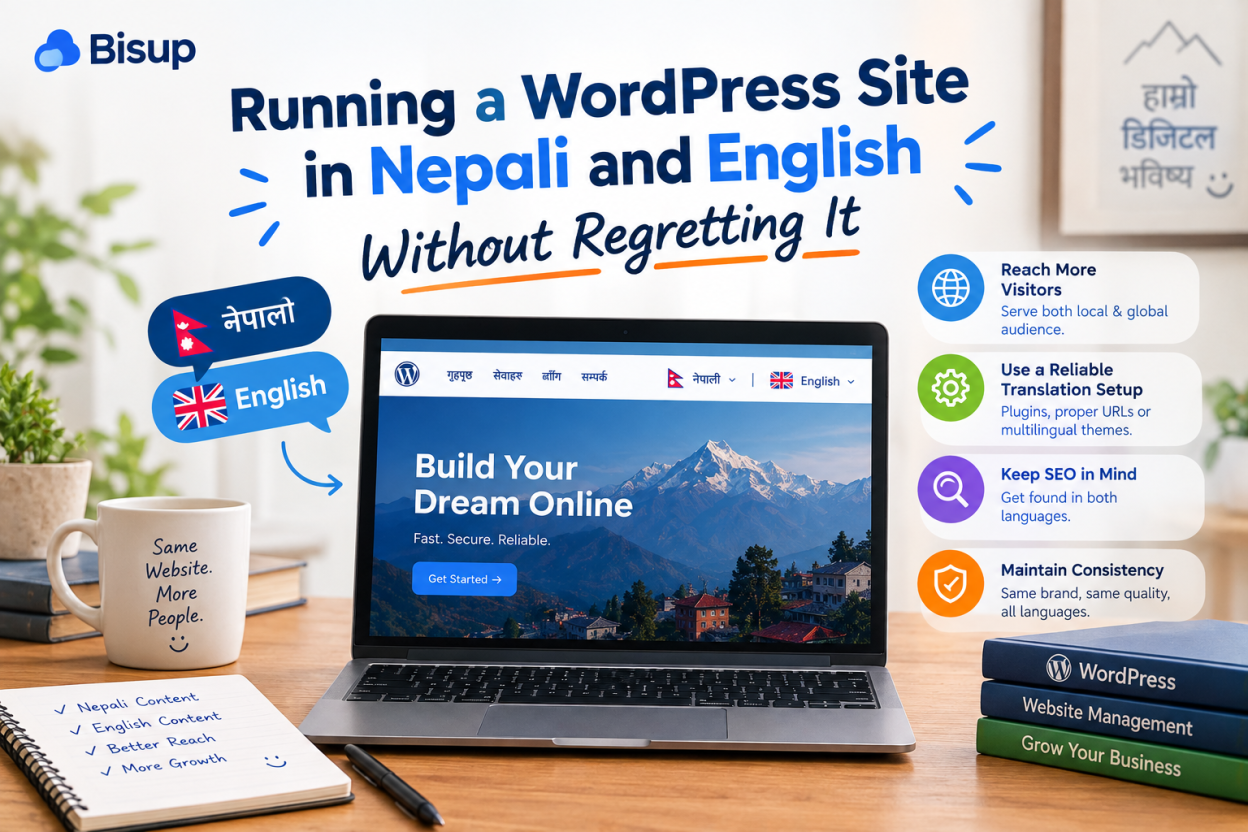
A Nepali and English WordPress site needs a real translation plugin that creates separate URLs and hreflang tags, not a translate widget. Before installing one, decide which pages genuinely need both languages. A half-translated bilingual site damages credibility more than a complete site in one language.
Bilingual is the default request from almost every Nepali organisation, and it is right more often than not. It is also the decision most likely to leave you with a site that is 40 percent translated two years later and quietly embarrassing.
So this guide starts with whether, then moves to which pages, and only then to how.
Most Nepali sites do not need to be fully bilingual
The instinct to translate everything comes from a good place. In practice it creates an obligation you have to meet on every future update, forever.
Every new page, every price change, every notice becomes two pieces of work. The Nepali version falls behind first, because whoever writes the content is usually more comfortable in one language. Visitors then find a Nepali section that is visibly older than the English one, which is worse than not offering Nepali at all. It signals that the Nepali audience is an afterthought.
Before committing, answer honestly: who is going to write and maintain the second language, and will they still be doing it in eighteen months? If there is no clear answer, build a complete site in the language your primary audience reads, and add the second later when you have the capacity.
A partial approach is entirely legitimate. Translating five important pages properly and leaving the blog in one language is a coherent decision. Translating everything badly is not.
Which pages actually need both languages?
The split is usually asymmetric, and recognising that saves most of the work.
Think about who reads what. In a typical Nepali organisation, the audiences do not overlap as much as the site structure assumes.
- Service and product information, eligibility, pricing and how to contact you: these serve customers and community members, so Nepali usually leads.
- Reports, governance documents, credentials and case studies: these serve funders, partners and institutional buyers, who mostly read English.
- Legal pages, terms and privacy notices: whichever language your users actually make decisions in, which for a consumer service in Nepal is Nepali.
- Blog and news: pick one language per piece based on who it is for, rather than translating every post. A post about a local programme can be Nepali only. A post aimed at international partners can be English only.
That last point is the one people resist and the one that saves the most effort. A multilingual plugin does not require every post to exist in both languages. Content can live in one language and simply not appear in the other.
How the plugins differ, architecturally
There are three broad approaches, and the differences matter more than feature lists suggest.
| Approach | How it stores translations | What that means for you |
| Duplicate post model | A separate post per language, linked together | Full editorial control per language. Adds database size and query joins on the front end |
| Live HTML translation | Translates the rendered page as it is served | Visual editing anyone can use. Translation happens at request time |
| Hosted proxy or CDN | Translations served from the vendor’s network | Least server load, but an external dependency and an ongoing subscription |
All of the mainstream options handle the SEO fundamentals correctly when configured properly: language-specific URLs, hreflang tags, canonical tags and per-language sitemaps. That is not where they differ, so it should not be your deciding factor.
Where they genuinely differ is workflow and performance. The duplicate post model gives you complete control over each language, which matters when the Nepali version is not a translation but a differently written page. The live translation model is easier for non-technical editors because translation happens visually on the front end. The hosted model shifts load off your server and adds a monthly dependency.
For most Nepali organisations, the duplicate post approach fits best, because the Nepali and English versions of a page usually should not be word-for-word equivalents. A well-supported free option exists in this category with more than 800,000 active installations, which is a reasonable place to start before paying for anything.
The licence payment problem nobody mentions
A Nepal-specific practicality that affects the choice more than it should.
Premium multilingual plugins are sold as annual subscriptions in dollars or euros, and renewal pricing is often higher than the first-year figure quoted in reviews. Paying that from Nepal requires an international card, which many Nepali organisations and small businesses do not hold, and outward payment restrictions make the process harder than simply entering card details.
Three consequences worth planning for. Budget the renewal price rather than the introductory one. Confirm before you build that someone in your organisation can actually pay the renewal each year. And weigh the free options more seriously than an international review would, because for you the practical cost of a paid licence is higher than its price.
A site that loses plugin updates because nobody could renew the licence is a security problem, not just an inconvenience.
Machine translation into Nepali is not the same as into French
This is the section I would most want a Nepali organisation to read before pressing the auto-translate button.
Automatic translation has improved enormously, and for major European languages it now produces output that a reviewer can polish quickly. Nepali is a lower-resource language for these systems. The output is more variable, and it fails in ways that are harder to spot at a glance: formal and informal registers used inconsistently, technical terms rendered literally, and sentences that are grammatical but read as translated.
The practical risk is specific. Nepali readers detect machine-translated Nepali immediately, and it reads as carelessness rather than as an honest limitation. On a page asking someone to trust you with money or personal information, that is expensive.
A reasonable workflow: use machine translation as a first draft to save typing, then have a Nepali speaker rewrite rather than proofread. Rewriting is faster than repairing, and the result reads as though it was written rather than converted.
Never auto-publish machine translation without review. Some plugins make this easy to do accidentally, and a site full of unreviewed Nepali is harder to fix than one with no Nepali at all.
Getting hreflang and URLs right
The technical part is mostly handled by the plugin, provided you configure it and then verify it.
Use language codes correctly. Nepali is ne and English is en. Every page should reference both its own language version and its counterpart, and the reciprocal references must match, since one-directional hreflang is ignored. Set a default version for visitors whose language you cannot determine.
Check the output rather than trusting the settings screen. View the page source on a translated page and confirm the hreflang tags are present, that they point at URLs which actually load, and that the canonical tag points to that language version rather than back to the original.
Untranslated pages are the common failure. If a page exists only in English, it should not carry an hreflang tag claiming a Nepali version. A tag pointing at a page that does not exist, or at a fallback showing English content, is worse than no tag.
Confirm your sitemap includes both language versions. Some configurations generate a sitemap for the primary language only, which quietly leaves half your site to be discovered by chance.
Should you use a subdirectory or a subdomain?
Subdirectory, for almost every Nepali site.
A subdirectory structure keeps everything on one hostname, so authority accumulated by any part of the site benefits the rest. It is also simpler operationally: one certificate, one hosting account, one thing to back up.
Subdomains make sense when the two languages are effectively separate properties with separate teams, which is rare below a certain size. Separate domains per language make sense less often still, and mostly for organisations targeting genuinely different markets rather than two languages within one market.
Whichever you choose, do not change it later without redirects. Moving from one structure to another after the site has been indexed loses visibility for months if the redirects are incomplete.
Does a second language slow the site down?
Somewhat, and the sources of the slowdown are worth knowing because two of them are avoidable.
Plugins using the duplicate post model add joins to front-end queries, because every query has to filter by language. On a small site this is imperceptible. On a large site with many posts it is measurable, and it shows up in admin performance before it shows up for visitors.
The Nepal-specific cost is fonts. A bilingual site loads a Latin font and a Devanagari font, and Devanagari families are substantially larger because of the number of conjunct forms. Loading several weights of both is the most common reason a bilingual Nepali site feels slower than its English-only equivalent.
Subset both fonts, limit yourself to two weights each, and load the Devanagari font only on pages that need it. The detail on this, along with the encoding settings that must be right before any of it works, is in our guide to Nepali Unicode on websites.
Full page caching removes most of the query overhead for logged-out visitors, which is nearly all of them. If you are choosing where to run a bilingual site, WordPress hosting in Nepal with server-level caching and local billing handles this profile without difficulty.
The audience that uses neither script consistently
One last thing that no international guide will tell you.
Many Nepali users search and type in romanized Nepali, using Latin characters for Nepali words, and switch between Nepali and English within a single sentence. Your language switcher offers two options; a substantial part of your audience sits between them.
Two accommodations cost almost nothing. Include common romanized forms of key terms naturally in your content, so those searches find you. And make sure your site search does not fail silently when someone types romanized Nepali, since returning nothing tells the visitor your site has no such content when it does.