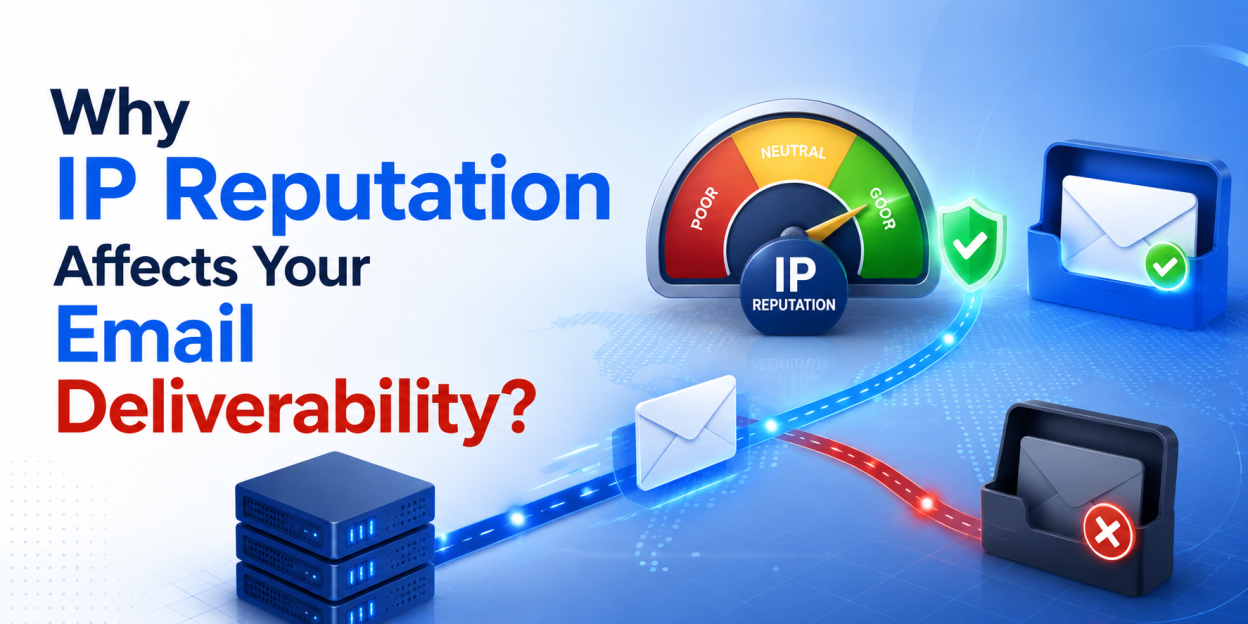
If your business emails keep landing in spam, the cause is often invisible: the reputation of the IP address they are sent from. IP reputation quietly decides whether your messages reach the inbox or vanish into a junk folder. This guide explains what IP reputation is, how your hosting affects it, and what you can do to keep your email delivering reliably.
Email deliverability feels mysterious until you understand this one factor. So let us make it clear.
What Is IP Reputation?
Every email you send leaves from a server with an IP address. Mail providers like Gmail and Outlook keep a running score on each IP, based on how the mail from it behaves. Low complaint rates and genuine messages build a good score. Spam, bounces and blocklist hits drag it down.
That score is IP reputation. When your sending IP has a strong reputation, your mail reaches inboxes. When it has a poor one, even legitimate messages get filtered or rejected. Crucially, you often share that IP with other websites, which means their behaviour affects your delivery too.
How Shared Hosting Can Hurt Your Email?
On typical shared hosting, many websites send email from the same IP range. That is efficient, but it carries a hidden risk. If one site on your IP sends spam or gets compromised, the whole range’s reputation suffers, and your innocent emails pay the price.
This is the noisy neighbour problem. Consequently, you can follow every best practice and still land in spam because someone else on your shared IP did not. On oversold budget hosting with poor abuse controls, this happens more often than most owners realise.
The Role of Your Host’s Network
This is where the network behind your host matters. A provider that owns and manages its own IP blocks can monitor them for abuse, act fast on compromised accounts, and keep the ranges clean. A reseller renting space on a huge shared network has far less control over who else uses those IPs.
In other words, IP reputation is partly in your hands and partly in your host’s. Providers that run their own network, such as Bisup on its own network infrastructure, actively manage IP reputation as part of the service, which directly supports business email deliverability.
What You Can Control: Sender Best Practices
Your host manages the IP, but your sending habits shape reputation too. Fortunately, several practices are fully in your control and make a real difference.
Set up SPF, DKIM and DMARC
These three DNS records prove your mail is genuinely from your domain. They are the single biggest deliverability upgrade most small senders can make, and they are free to configure.
Keep your list clean
Send only to people who expect your mail, and remove addresses that bounce. High bounce and complaint rates are exactly what pull an IP reputation down.
Avoid spam triggers
Misleading subject lines, all caps and spammy phrasing get flagged. Write like a person, not a pitch, and your mail behaves better in filters.
How to Check and Protect Your Deliverability?
You can monitor your standing rather than guessing. Free tools let you check whether your sending IP or domain appears on major blocklists, and mailbox providers offer postmaster tools that show your reputation over time.
If you find problems, act quickly. Fix authentication records, clean your list, and if your shared IP is the issue, talk to your host or consider a plan with better IP management. A host that controls its own network can often move you to a cleaner IP or investigate the range directly, which a reseller simply cannot do.
Frequently Asked Questions
A good IP reputation means mailbox providers trust mail from your sending IP, so it reaches inboxes rather than spam. It is built through low complaint and bounce rates, proper authentication, and consistent, wanted email. Poor reputation, by contrast, causes filtering, delays or outright rejection of your messages.
Common causes include a poor sending IP reputation, missing SPF, DKIM or DMARC records, spammy content, or a compromised neighbour on shared hosting. Start by checking your authentication records and whether your IP is blocklisted, then review your list quality and message content.
Yes, significantly. Your host controls the IP your mail sends from and how well those IP ranges are kept clean. A host that owns and monitors its own network can manage IP reputation actively, while a reseller on a large shared network has little control over it.
They are DNS records that authenticate your email. SPF lists servers allowed to send for your domain, DKIM adds a cryptographic signature, and DMARC tells receivers what to do with mail that fails. Together they prove your mail is genuine and strongly improve deliverability.
It can, because a dedicated IP means your reputation depends only on your own sending, not on shared neighbours. However, a dedicated IP must be warmed up and maintained with good practices. For many small senders, a well managed shared IP on a clean network works perfectly well.