
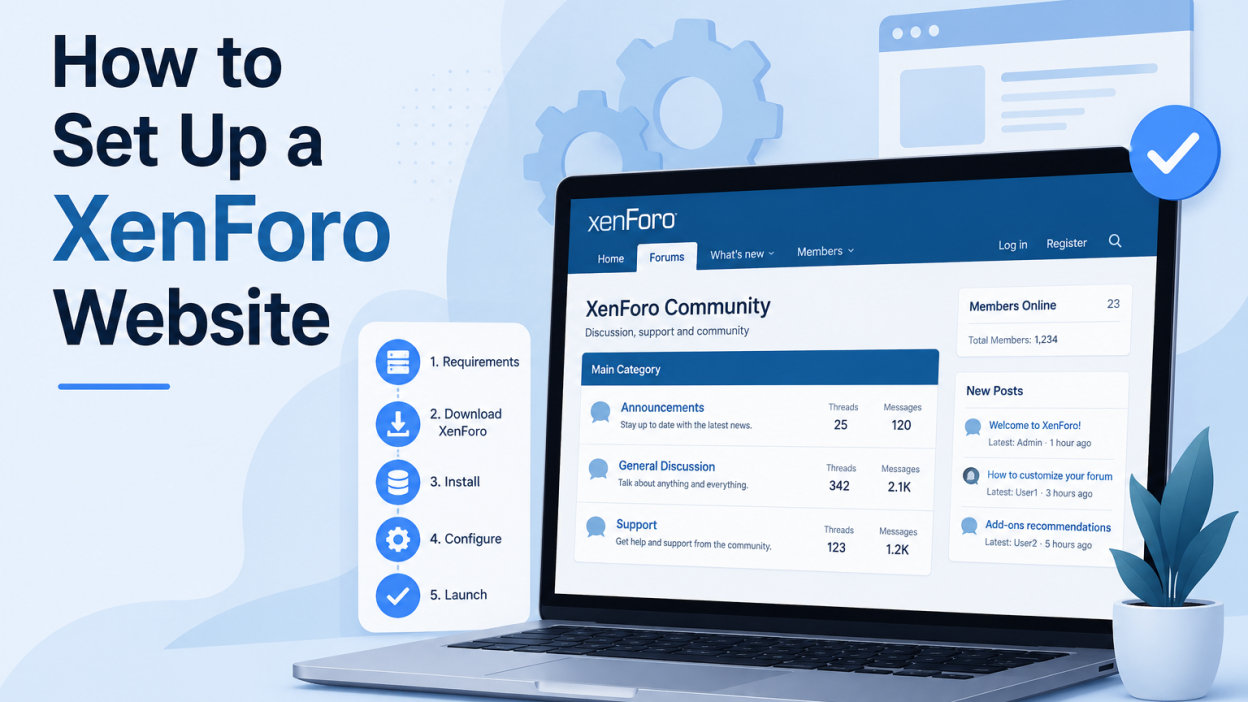
How to set up XenForo on your website is a question many community builders ask. XenForo is one of the finest forum software programs available if you are looking at building a very powerful, feature-rich online community. Across the internet, from tech communities to niche hobby boards, thousands of websites are already going for XenForo because of its speed, scalability, and modern design. One great example is Ekuraa. This would be a forum community built with XenForo which draws a strong following and caters to its members for hassle-free discussion.
This guide will explain to you how exactly you can install XenForo on your website and the kind of hosting that is required to be achieved, with the help of platforms like BISUP VPS Hosting, smoothly and reliably.
What Is XenForo and Why Do Sites Like Ekuraa Use It?
XenForo is a premium PHP-based Internet discussion forum software that has an elegant user interface and extensive moderation features, majorly being renowned for super performance during high traffic. Aesthetically, the forum looks like it does on Ekuraa because it was initially created by former vBulletin developers and soon became adopted in communities that demand quality.
If at all there was a site to point to that has made the most of the potential that it has, then Ekuraa would be that site. This is because the best forum sites within their group, like Ekuraa, simply deliver it clean, fast, and dynamic for users all because of the strong structure that XenForo has in place. Ekuraa has been showcasing just how polished a community can be nestled based on XenForo. From simply having threaded discussions up to delivering real-time alerts through a mobile-responsive interface, Ekuraa is truly one of the best forum websites powered by XenForo.
Other equally notable communities from all other industries, across gaming and cybersecurity to education and entrepreneurship, have moved to using the forum platform XenForo because of:
- Fast page load times with thousands of threads active on the go
- Fine-tuned permission systems of access control at the user roles level
- SEO-friendly URL structures that go a long way to help forums in general rank better on Google
- A bustling marketplace of add-ons so as to extend the functionality
- Regular security updates and long-term developer support
What You Need Before Installing XenForo
Before you learn how to set up XenForo on your website, make sure you have the following ready:
- XenForo License: You should purchase one from the official website, xenforo.com. It starts at $160 and has only one standard installation.
- Domain Name: The web name for your community, e.g., yourdomain.com.
- A Good VPS Hosting Plan: It is essential as XenForo works best on a Virtual Private Server with dedicated resources and full control.
Why VPS hosting to set up XenForo on your website
Shared hosting might be good enough for the most basic WordPress blog, but, frankly, XenForo requires something more robust than that. Forum software supports many users at a time with real-time functionality like notifications, search indexing and so on, while maintaining quite a heavy database load at any given moment.
Shared hosting kills resources and can actually result in timeouts, slowness to load, and downtime during traffic peaks. In that respect, it is up to the choice of a VPS host.
The BISUP VPS hosting service has been custom created to work with apps such as XenForo. Some features are:
- High-performance NVMe storage ensures very fast database queries
- Dedicated RAM and CPU cores ensure your forum does not have to compete for resources
- Full root access to set up the server environment exactly like XenForo demands
- 24/7 customer support that will help you through the setup process
- Flexible plans with growing communities
This is the solid ground any XenForo setup would need, be it a new forum or porting it from elsewhere. BISUP VPS hosting is the right infrastructure choice.

Step-by-Step: How to set up XenForo on your website
To set up XenForo on your website, follow the steps given below:
Step 1: Set Up Your VPS Server
Log in to your BISUP VPS dashboard and boot a new server. The encouraged stack for XenForo is:
- OS: Ubuntu 22.04 LTS or CentOS 8
- Web Server: Apache or Nginx (Nginx recommended for speed)
- PHP: 8.0 or greater
- Database: MySQL 5.7+ or MariaDB 10.3+
Once your BISUP VPS becomes active, SSH into it:
ssh root@your-server-ipUpdate your packages and install the required software stack using your server’s package manager.
Step 2: Configure PHP and MySQL
XenForo has some specific PHP extensions that should be there. Make sure the following are enabled:
php-mysql, php-gd, php-xml, php-mbstring, php-curl, php-zip, php-intl
Create a different MySQL database and user for XenForo:
CREATE DATABASE xenforo_db;
CREATE USER 'xf_user'@'localhost' IDENTIFIED BY 'StrongPassword123!';
GRANT ALL PRIVILEGES ON xenforo_db.* TO 'xf_user'@'localhost';
FLUSH PRIVILEGES;
Step 3: Download and Upload XenForo Files
Once you have purchased a license and downloaded the installation package from the XenForo customer area (a .zip file that contains all forum files), upload them to your server’s web root directory. This is usually found at /var/www/html/ or /var/www/yourforum.com/public_html/. You can upload the file using SFTP, or send it directly through the command line using scp.
Once the file is on your server, extract it using the following command:
unzip xenforo_package.zip -d /var/www/html/After that, set the appropriate file permissions using:
chown -R www-data:www-data /var/www/html/
chmod -R 755 /var/www/html/
Step 4: Run the XenForo Web Installer
Open your browser at https://yourdomain.com/install/. The XenForo install wizard goes through the steps:
- License verification (your license key)
- Environment check to confirm PHP extensions and permissions are correct
- Database setup, specifying the MySQL credentials entered earlier
- Basic configuration: Set your forum title, admin username, and email
- Installation complete: XenForo creates all database tables automatically
This is a process that should take less than 10 minutes with an appropriately configured BISUP VPS.
Step 5: Configure Forum Settings
After you have done that, you will need to sign in to the admin control panel of XenForo at https://yourdomain.com/admin.php.
The important settings that need to be set up right away include:
- Board URL and title under Basic Board Information
- Email settings: Use SMTP for reliable delivery
- User registration options: Allow open registration or prevent it
- Spam management: Enable the built-in spam cleaner and CAPTCHA
- SEO options: Enable friendly URLs and Meta Description Templates
- Style settings: Choose or upload a theme to go along with your brand
Step 6: Install Add-Ons and Customize
However, where XenForo really shines is in its powerful add-on ecosystem. You can use the Search feature on the XenForo Resources page to find the following:
- Improved Media Embedding
- Enhanced User Group Promotions
- Chat and Shoutbox Functionality
- Analytics Integration
- Custom Thread Fields and Forms
This is wherein sites like Ekuraa can really turn great in terms of user experience by first selecting the right foundation, in this case XenForo, and then adding the right types of add-ons that would be best suited to their specific community.
Ways to Ensure High Performance of Your XenForo Forum
- Introduce a caching layer: Utilize Redis or Memcached to cache the sessions and relieve the database load on your BISUP VPS.
- CDN: Enable a content delivery network to serve up static assets like images, CSS, and JS for much faster loading of pages from across the world.
- Backups: Schedule periodic backups. BISUP VPS plans come with automatic snapshots for your data safety.
- Update XenForo: It gets security patches quite often. Hence, updating is a very important aspect to protect your community.
- Monitor server resources: Use tools like htop or the BISUP dashboard to observe CPU and RAM usage, tracking performance in line with the growth of your community.
Closing Comments
Configuring XenForo is, more or less, an investment in the future of your online community. The software is mature, secure, and trusted by thousands of forums worldwide, much of which has been painstakingly modeled by the likes of eKuraa for an engaging forum experience within its niche with XenForo as the backbone.
To set up XenForo on your website with succession, what it takes is good software in the right infrastructure. BISUP VPS Hosting delivers all that in terms of performance and reliability, coupled with control right off the bat for your forum. Thus, it is surely a good one-two punch folks can start afresh with, or migrate over from any other system. Be it a fresh start or a migration from another platform, XenForo on a BISUP VPS is a combination made to last. Simply go for a BISUP VPS today and make it the true home of your forum community.


