
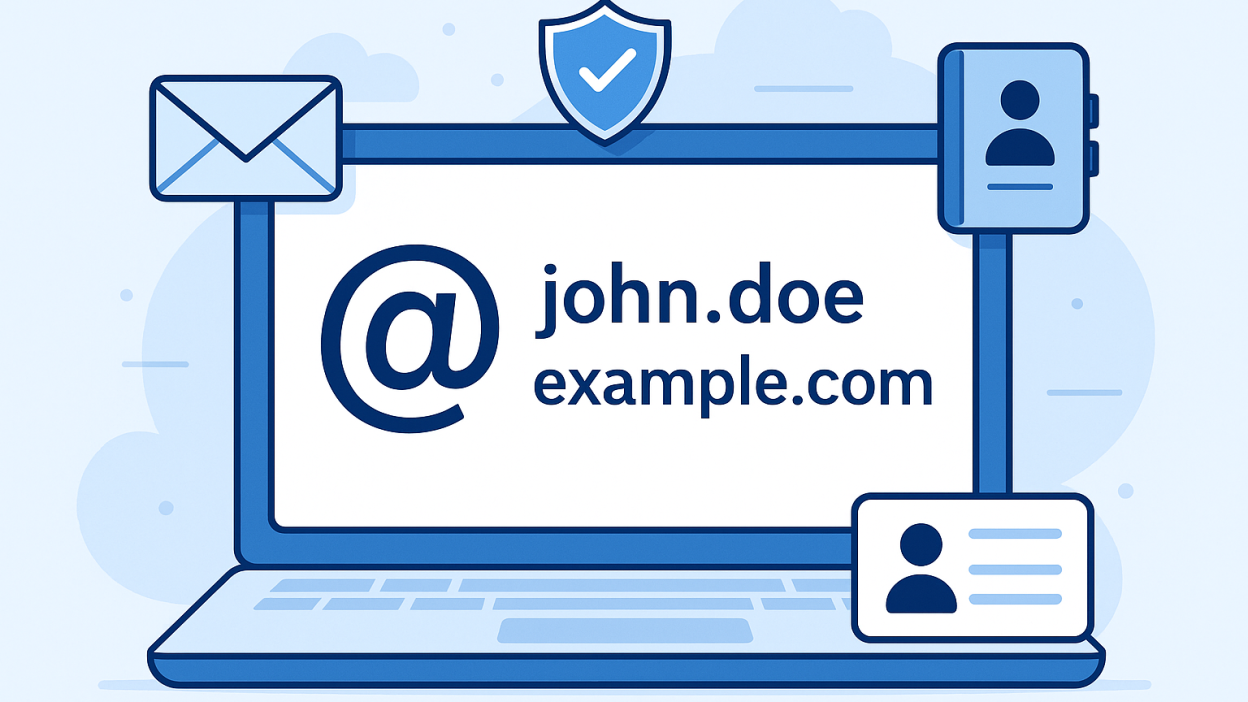
In today’s digital age, first impressions are often made through emails. For businesses, that first impression can be the deciding factor between gaining a customer or losing one to a competitor. One of the simplest yet most powerful tools to create a trustworthy brand image is a professional email address.
While branding, customer support, and marketing strategies evolve constantly, the use of a professional email address remains a timeless standard for businesses aiming to appear credible, organized, and reliable. In this blog, we’ll explore what a professional email address is, why it’s vital for your business, and how to get one.
What Is a Professional Email Address?
A professional email address uses your business domain name instead of a generic email service. For example:
- Professional: yourname@yourbusiness.com
- Not professional: yourbusinessname@gmail.com
The key difference lies in the domain. A custom domain email address conveys that you are serious about your business and invested in building a brand identity. It signals to customers and partners that they are dealing with an organization that values professionalism.
Moreover, it integrates better with your website, makes your email address easier to remember, and helps you maintain a consistent identity across digital channels.
Why a Professional Email Address Matters
1. Builds Trust and Credibility
Trust is everything in business. When clients see an email from yourname@yourbusiness.com, it immediately feels more official and legitimate. On the other hand, a generic email like bestservices123@gmail.com might make your business appear amateurish or untrustworthy.
Scammers often use free email addresses to impersonate companies. A professional domain-based email helps protect your business’s reputation and ensures clients that they’re dealing with a legitimate entity.
2. Promotes Brand Awareness
Every email you send is an opportunity to reinforce your brand. When you send emails using your domain name, it repeatedly puts your business name in front of customers, suppliers, and partners. This repetition helps embed your brand into their memory and increases recognition over time.
3. Improves Email Deliverability
Emails from generic domains often get flagged by spam filters, especially when sent in bulk. Professional email services offer better deliverability rates and allow you to configure settings like SPF, DKIM, and DMARC to ensure your emails land in inboxes rather than spam folders.
4. Consistency and Scalability
As your team grows, having a professional email system becomes essential. You can easily add new addresses (like hr@yourdomain.com or sales@yourdomain.com) and create groups, aliases, and distribution lists. This makes your internal and external communication structured and reliable.
5. Control and Security
Using a domain-based email gives you complete control over your organization’s email infrastructure. You can manage access, set security policies, back up messages, and deactivate emails if an employee leaves. With generic providers, you have little to no control over these factors.
6. Professional Email Signatures and Integrations
Professional email platforms allow customized signatures that include your name, title, contact info, and social links. They also integrate with CRMs, helpdesks, and productivity tools, which improves workflow and customer engagement.
How to Get a Professional Email Address
Step 1: Register a Domain Name
Choose a domain that represents your business. Ideally, your domain should match your business name or at least be relevant. For example, if your company is BrightTech Solutions, then a domain like brighttech.com or brighttechsolutions.com would be appropriate.
Domain registrars include:
- GoDaddy
- Namecheap
- Google Domains
- Bluehost
Step 2: Choose an Email Hosting Provider
A few popular and reliable professional email services are:
- Google Workspace: Includes Gmail, Google Drive, Docs, and more.
- Microsoft 365: Includes Outlook, Word, Excel, Teams, etc.
- Zoho Mail: Budget-friendly, privacy-focused alternative.
- ProtonMail: Emphasizes encryption and security.
- Web Hosting Providers: Many offer built-in email hosting (e.g., Hostinger, SiteGround).
Step 3: Set Up Mailboxes and Aliases
Create individual mailboxes for team members and aliases for functional purposes (e.g., billing@, info@, support@). This helps manage responsibilities and improves response time to customers.
Step 4: Configure DNS Records for Authentication
To ensure proper deliverability and prevent spoofing, configure the following records in your domain’s DNS:
- MX Records: Directs email to your provider.
- SPF Record: Identifies permitted email servers.
- DKIM Record: Cryptographically signs your messages.
- DMARC Record: Protects against domain spoofing.
These records help email providers verify that your emails are legitimate.
Step 5: Integrate and Secure Your Email
Use email clients like Outlook or Thunderbird, or access email via webmail. Secure your accounts with two-factor authentication (2FA) and enable encryption when needed.
Email Format Examples for Businesses
When setting up emails, keep formats simple and consistent:
- firstname@yourdomain.com
- firstname.lastname@yourdomain.com
- support@yourdomain.com
- contact@yourdomain.com
- hello@yourdomain.com
Avoid using personal nicknames or complex combinations. Your goal is clarity and professionalism.

Common Mistakes to Avoid
- Using Free Email for Business: Appears unprofessional, especially in industries like finance, law, or tech.
- Not Updating Email Signatures: Include your name, title, phone number, website, and social handles.
- Lack of Security Measures: Use strong passwords, enforce 2FA, and train staff on phishing awareness.
- Overlooking Email Backups: Regularly back up your emails to prevent data loss.
- No Centralized Admin Control: Without a proper system, you risk losing access if a team member leaves or deletes data.
Real-World Impact: A Case Scenario
Imagine you’re a wedding photographer reaching out to potential clients:
- From: johndoephotography@gmail.com
- From: john@johndoephotography.com
Which one do you think will get a better response rate?
The latter suggests a serious professional with a brand, a website, and an established presence. The former might be seen as a hobbyist.
Likewise, if you’re running a small eCommerce store or consulting service, clients expect clear, professional communication. A branded email address reassures them of your commitment.
Final Thoughts
A professional email address is more than just a communication tool—it’s a branding asset. It helps establish trust, strengthen identity, and streamline communications. Whether you’re a solo entrepreneur or a growing business, transitioning to a domain-based email should be among your top priorities.It’s a small investment that yields long-term benefits in credibility, professionalism, and customer confidence. In a crowded marketplace, it’s often the little details like your email address that set you apart.

