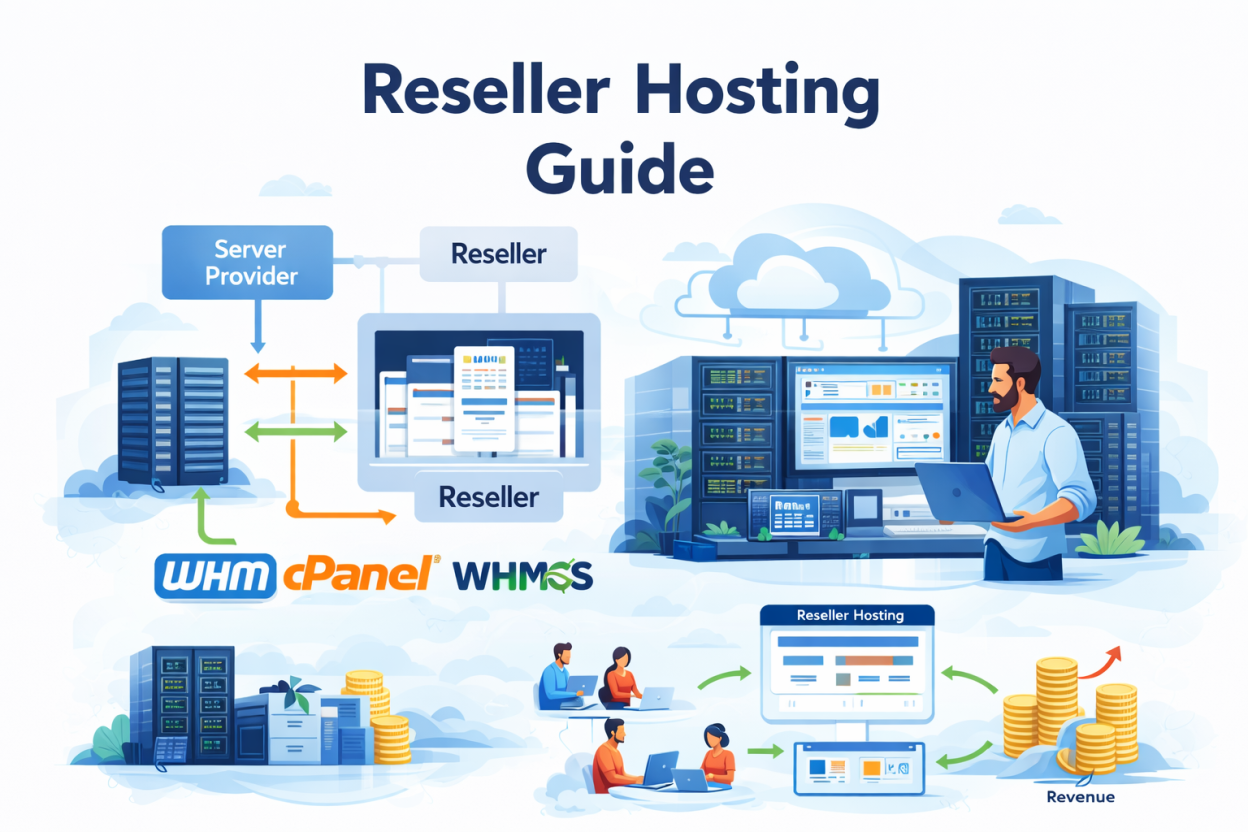
Reseller hosting overselling sounds risky the first time you hear the term, yet it is standard practice across the hosting industry. The real question is not whether to oversell, but how much disk space and bandwidth you can safely resell without your clients ever noticing the difference. This guide breaks down the actual ratios, the warning signs of going too far, and how to oversell responsibly.
Why Overselling Exists in the First Place?
Most websites use only a small fraction of their allotted storage and bandwidth. A client paying for 10GB might genuinely use 800MB. Providers and resellers both rely on this statistical reality to price hosting affordably, since building a server for worst-case usage on every account would make hosting far more expensive than it needs to be.
This is not dishonest by itself. Every major hosting company, including large publicly traded ones, oversells resources to some degree. The problem only appears when overselling ratios ignore actual usage data.
How Much Overselling Is Actually Safe?
A commonly cited disk space overselling ratio in the hosting industry is around 4 to 1, meaning you can sell roughly four times your actual physical storage with manageable risk for typical brochure and blog sites. Bandwidth tolerates slightly more headroom, often 6 to 1 or higher, since traffic spikes rarely hit every client account at once.
However, these ratios shift dramatically depending on your client mix. A server full of static WordPress blogs behaves very differently than one hosting several active WooCommerce stores, which consume far more CPU, RAM, and I/O per visitor.
Warning Signs You Have Oversold Too Aggressively
Most overselling problems give warning signs well before clients start complaining, if you know where to look.
- Server load averages climbing above the number of CPU cores during normal, non-peak hours.
- Frequent ‘resource limit reached’ errors appearing in client cPanel accounts.
- Slow database query times across multiple unrelated client sites at the same time.
- Support tickets about site slowness clustering around the same few hours each day.
How to Oversell Safely as a Reseller?
Safe overselling comes down to three habits: watching real usage instead of sold limits, isolating accounts from each other, and being honest in your marketing.
Monitor Real Usage, Not Just Sold Limits
WHM’s resource usage reports show exactly how much disk space, bandwidth and CPU each client account consumes, updated daily. Reviewing this monthly, rather than only when a server starts struggling, is what separates safe overselling from reckless overselling.
Set a simple internal threshold, for example flagging any account using more than double its typical monthly average. A sudden jump usually means a client added a new feature or launched a marketing campaign, though occasionally it means the account has been compromised and is serving spam or malware.
Third-party tools like Munin, alongside WHM’s own System Information page, add server-wide visibility on top of per-account reports, so you can watch aggregate load trends over weeks rather than reacting only when something breaks.
Set CloudLinux Limits Per Account
CloudLinux lets you cap CPU, memory, and I/O per client account individually. This means one resource-heavy site cannot starve the others, even if your overall server is technically oversold.
If your reseller plan already shows separate RAM, vCPU and IO figures per account, as Bisup’s reseller plans do, that per-account isolation is almost certainly CloudLinux running underneath, which is exactly the protection this section describes.
Upgrade Before You Hit the Ceiling
A good rule of thumb is to upgrade your wholesale plan once you are consistently using 70% of your allocated resources. Comparing reseller hosting pricing across providers ahead of time makes this upgrade decision faster when the moment arrives.
Avoid Unlimited Claims You Cannot Back Up
Marketing plans as unlimited storage or unlimited bandwidth without any real infrastructure behind that promise is the single fastest way to end up overselling recklessly. Set generous but honest limits instead.
Overselling is just one operational risk among several. For the complete picture of what it takes to run a reseller hosting business profitably, start with our what is reseller hosting guide.
Frequently Asked Questions About Reseller Hosting Overselling
No. Overselling is a standard, legal industry practice used by nearly every hosting company. It only becomes a problem when it is done without monitoring actual client usage.
Servers can become slow or unresponsive during peak hours, leading to downtime, angry clients, and potential refund requests across your entire reseller account.
CloudLinux does not prevent overselling itself, but it isolates each account’s resource usage, so one overloaded site cannot take down every other client on the same server.
Ask directly whether they use per-account resource isolation such as CloudLinux, and check whether their marketing avoids blanket unlimited claims. Providers that publish specific, named resource limits per plan are generally being more transparent about how they manage overselling.