
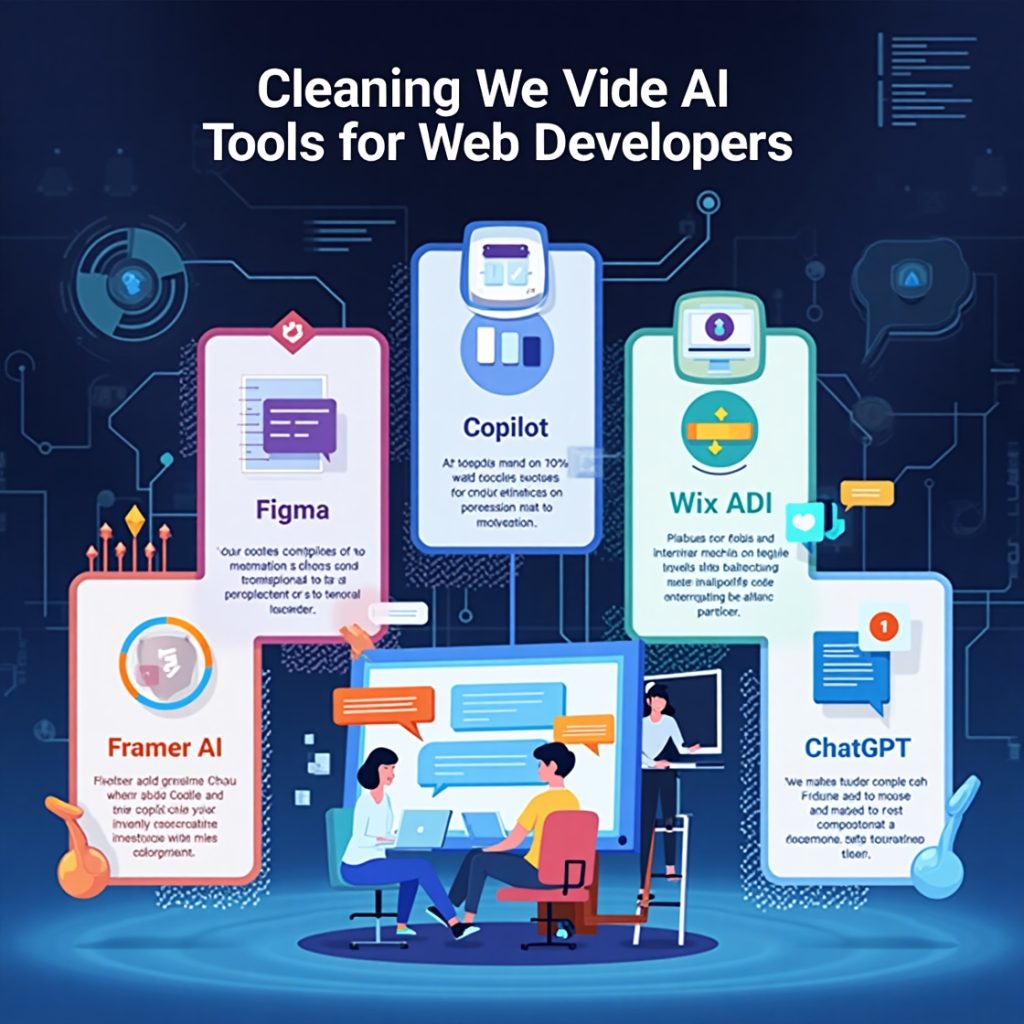
The web development landscape is evolving rapidly, and artificial intelligence (AI) is driving much of this change. From automating repetitive tasks to generating clean code and optimizing user experiences, AI tools are now essential for developers. Whether you’re a seasoned coder or just starting out, integrating AI into your workflow can save time, boost productivity, and elevate your projects. In this article, we’ll explore five AI tools every web developer should use to stay ahead. These tools are practical, powerful, and designed to streamline your development process.
Why AI Tools Are a Game-Changer for Web Developers
Before diving into the tools, let’s discuss why AI is transforming web development. AI-powered tools can analyze vast amounts of data, suggest optimizations, automate testing, and even generate code snippets based on natural language inputs. This allows developers to focus on creative problem-solving rather than getting stuck on tedious tasks. Plus, many AI tools have intuitive interfaces, making them accessible to both beginners and experts. By leveraging these tools, you can build faster, smarter, and more user-friendly websites while staying competitive in a dynamic industry.
Let’s dive into the top five AI tools that belong in every web developer’s toolkit.
1. GitHub Copilot: Your AI Coding Assistant
What Is It?
GitHub Copilot, powered by advanced AI models, is a code completion tool that integrates with popular editors like Visual Studio Code. It acts like a virtual pair programmer, suggesting entire lines or blocks of code as you type.
Why Web Developers Love It
- Real-Time Code Suggestions: Copilot analyzes your code and offers context-aware suggestions, from completing functions to generating boilerplate code for HTML, CSS, or JavaScript.
- Multi-Language Support: Whether you’re working with Python, React, or Node.js, Copilot adapts to your project’s language and framework.
- Learning Tool: For newer developers, it’s a great way to learn best practices by seeing AI-generated code suggestions.
How to Use It
Install Copilot as an extension in your code editor, sign in with your GitHub account, and start typing. The AI suggests code based on your project’s context. For example, if you’re building a responsive navbar, Copilot might suggest CSS flexbox properties or JavaScript event listeners tailored to your code.
SEO Benefit
Using Copilot speeds up development, allowing you to publish projects faster and optimize for search engines sooner. Clean, efficient code also improves site performance, a key factor in SEO rankings.
Pro Tip
Always review Copilot’s suggestions to ensure they align with your project’s goals. While highly accurate, it’s not perfect and may require tweaks.
2. Figma with AI Plugins: Design-to-Code Magic
What Is It?
Figma is a cloud-based design tool, but its AI-powered plugins, like Builder.io and Anima, elevate it by converting designs into functional code. These plugins bridge the gap between design and development, making it easier to create pixel-perfect websites.
Why Web Developers Love It
- Design-to-Code Automation: Turn Figma designs into HTML, CSS, or React components with minimal effort.
- Collaboration-Friendly: Designers and developers can work in the same platform, streamlining workflows.
- Time-Saver: No need to manually code every UI element—AI handles the heavy lifting.
How to Use It
Create or import a design in Figma, then use a plugin like Builder.io to generate code. You can tweak the output to match your project’s needs. For instance, a landing page design can be converted into responsive HTML/CSS in minutes.
SEO Benefit
AI-generated code from Figma plugins is often clean and lightweight, improving page load times—a critical SEO factor. Faster websites rank higher and provide better user experiences.
Pro Tip
Test the generated code across browsers to ensure compatibility, as AI outputs may need minor adjustments for edge cases.
3. Wix ADI: AI-Powered Website Builder
What Is It?
Wix Artificial Design Intelligence (ADI) is an AI-driven website builder that creates fully functional websites based on user inputs. It’s ideal for developers who need to spin up prototypes or small business sites quickly.
Why Web Developers Love It
- Rapid Prototyping: Answer a few questions about your project, and Wix ADI generates a customized website in minutes.
- Customizable Templates: The AI provides a starting point, but you can dive into the code for further customization.
- Built-In SEO Tools: Wix ADI includes SEO features like meta tags, mobile optimization, and sitemaps.
How to Use It
Visit Wix’s platform, select the ADI option, and input details about your website’s purpose (e.g., portfolio, e-commerce). The AI will create a site, which you can customize using Wix’s editor or by tweaking the HTML/CSS directly.
SEO Benefit
Wix ADI automatically optimizes sites for mobile devices and generates SEO-friendly structures, helping your site rank better. You can also integrate analytics tools to track performance.
Pro Tip
Use Wix ADI for quick client projects or MVPs, then refine the code for more complex features as needed.
4. Framer AI: Interactive Prototypes with Ease
What Is It?
Framer AI is part of the Framer platform, a tool for designing and prototyping interactive websites. Its AI features generate layouts, animations, and even content, making it a favorite for developers building dynamic user interfaces.
Why Web Developers Love It
- Smart Layout Suggestions: Framer AI suggests layouts based on your content, saving time on design decisions.
- Code Export: Easily export React or HTML/CSS code for your prototypes.
- Interactive Components: Create animations and transitions without writing complex JavaScript.
How to Use It
Start a new project in Framer, input your content or use the AI to generate placeholders, and let the tool suggest layouts. You can then fine-tune the design and export clean code for integration into your development environment.
SEO Benefit
Framer’s clean code output ensures fast-loading pages, while its mobile-first approach aligns with search engine priorities. Interactive elements also improve user engagement, boosting dwell time—a positive SEO signal.
Pro Tip
Use Framer AI for high-fidelity prototypes to impress clients before diving into full-scale development.
5. ChatGPT for Debugging and Learning
What Is It?
ChatGPT, a conversational AI model, excels at answering coding questions, debugging, and explaining complex concepts. While not exclusively a development tool, it’s a lifesaver for web developers tackling tricky problems.
Why Web Developers Love It
- Instant Debugging: Paste your code, describe the issue, and ChatGPT suggests fixes or optimizations.
- Learning Resource: Ask for explanations of frameworks, libraries, or algorithms in plain English.
- Idea Generation: Get inspiration for features, layouts, or solutions to user experience challenges.
How to Use It
Access ChatGPT via its web interface or API. For example, if you’re stuck on a JavaScript error, paste the code and ask, “Why is this function throwing an error?” You’ll get a detailed explanation and potential solutions.
SEO Benefit
By helping you write cleaner, error-free code, ChatGPT indirectly improves site performance and user experience—both critical for SEO. It also saves time, letting you focus on optimizing content and metadata.
Pro Tip
Combine ChatGPT with tools like Copilot for a powerful duo: Copilot writes the code, and ChatGPT helps you understand or debug it.
How to Integrate AI Tools Into Your Workflow
To maximize these AI tools, follow these tips:
- Start Small: Experiment with one tool at a time to avoid overwhelming your workflow.
- Combine Tools: Use GitHub Copilot for coding, Figma for design-to-code, and ChatGPT for debugging to create a seamless pipeline.
- Stay Updated: AI tools evolve quickly, so check for updates or new features regularly.
- Balance Automation and Creativity: Let AI handle repetitive tasks, but add your unique touch to ensure projects stand out.
- Optimize for SEO: Test AI-generated code for performance and accessibility to align with search engine standards.
The Future of AI in Web Development
As AI advances, its role in web development will only grow. Tools like the ones listed above are just the start. We can expect smarter AI assistants that predict user needs, automate cross-device testing, and integrate with emerging technologies like Web3 and AR/VR. By adopting these tools now, you’re not just keeping up—you’re positioning yourself as a forward-thinking developer ready for the future.
Conclusion
AI tools are revolutionizing web development by automating tasks, enhancing creativity, and improving efficiency. GitHub Copilot, Figma with AI plugins, Wix ADI, Framer AI, and ChatGPT are must-haves for any web developer looking to stay competitive. Each tool offers unique benefits, from code generation to design automation, all while supporting SEO-friendly practices that boost site performance. Start integrating these tools into your workflow today, and watch your productivity soar while delivering high-quality, user-focused websites.